


Creating a home office that is both cozy and productive can transform your work-from-home experience. A well-designed workspace encourages focus, reduces stress, and boosts efficiency. Whether you have a dedicated room or a small corner, you can craft an environment that supports your workflow and feels comfortable throughout the day.
In this post, we’ll explore practical tips for setting up a home office that combines comfort with functionality, helping you get the most out of your work hours.
Choose the Right Location
Before anything else, identify a spot in your home that suits your work needs.
– Natural Light: A location near a window is ideal as natural light improves mood and alertness.
– Quiet Environment: Pick a place with minimal distractions to maintain focus.
– Space Availability: Ensure there’s enough room for your desk, chair, and any equipment or supplies you need.
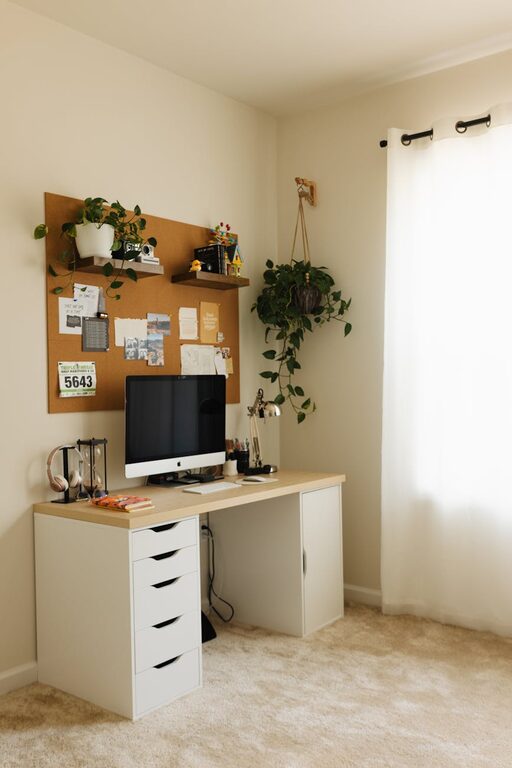
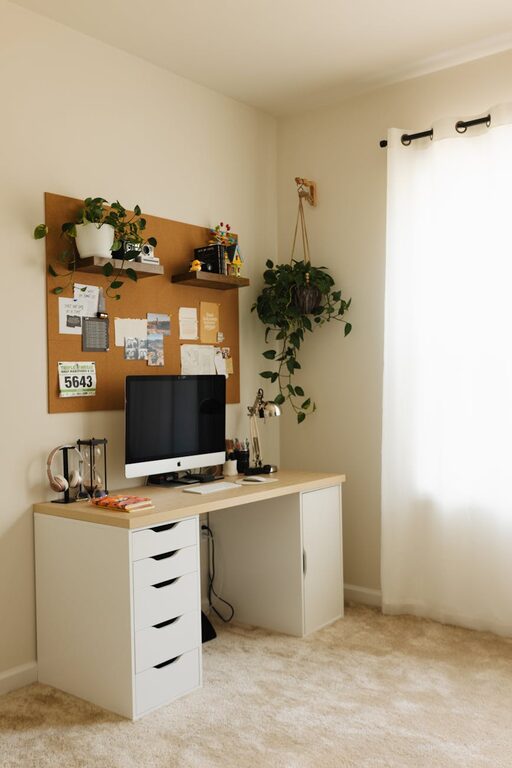
If space is limited, consider a corner in a living room or bedroom. Using room dividers or screens can help create a sense of privacy.
Invest in Comfortable Furniture
Comfort plays a big role in productivity, especially when you spend long hours working.
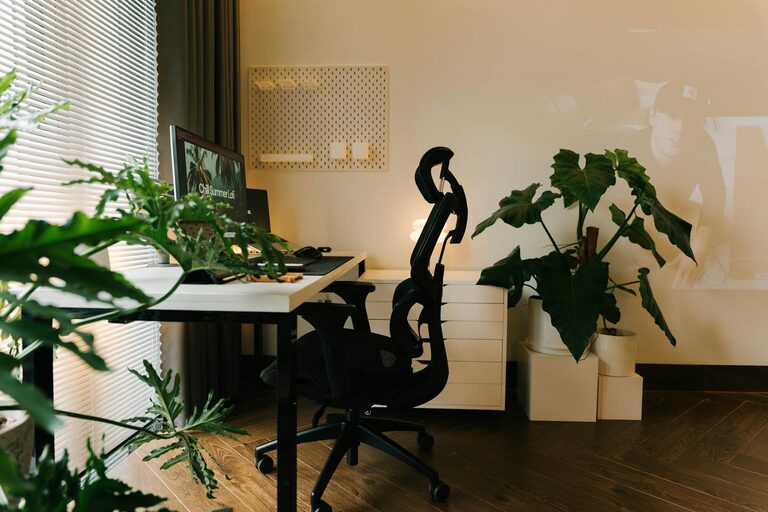
– Ergonomic Chair: Choose a chair with good lumbar support and adjustable height. This promotes good posture and reduces fatigue.
– Appropriate Desk: Your desk should fit your available space and provide enough surface area for your computer, notebooks, and other essentials.
– Desk Height: Make sure the desk height allows your arms to rest comfortably at a 90-degree angle when typing.
Small touches like a footrest can further enhance comfort and support better circulation.
Organize Your Workspace Efficiently
A clutter-free desk helps keep your mind clear.
– Storage Solutions: Use shelves, drawers, or bins to keep supplies organized and out of the way.
– Cable Management: Use clips or sleeves to manage cords and prevent tangling.
– Essential Supplies Close At Hand: Keep frequently used items within reach to avoid interrupting your flow.
Investing some time upfront to organize your workspace will save you time and frustration later.
Add Personal Touches for Coziness
Your workspace should feel inviting.
– Decor: Add artwork, plants, or photos that inspire and motivate you.
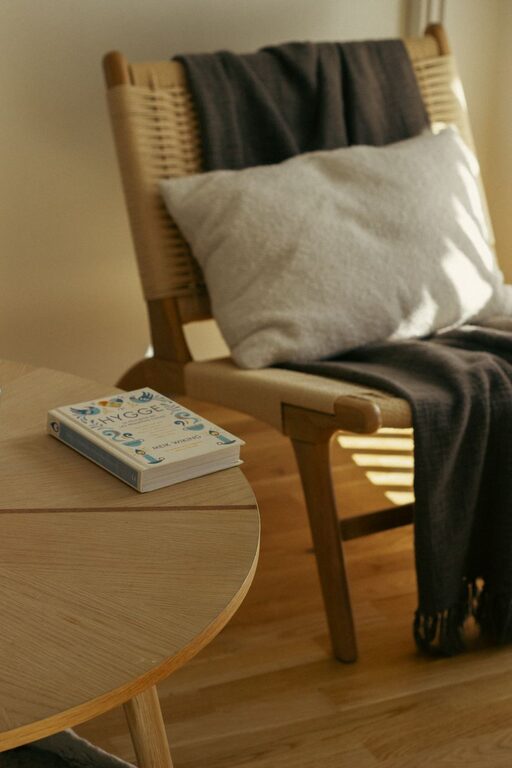
– Soft Textures: Consider a cozy rug or cushions to add warmth to the space.
– Lighting: Use a desk lamp with adjustable brightness for evenings or cloudy days.
While personalization is important, avoid overdecorating to keep the area neat and distraction-free.
Optimize Lighting for Productivity
Good lighting reduces eye strain and keeps you alert.
– Natural Light First: Position your desk near a window, but avoid glare on your screen.
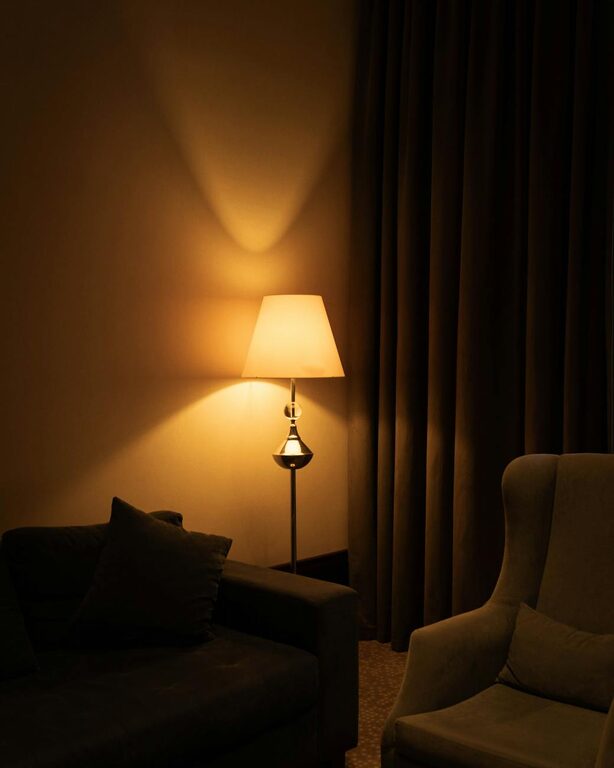
– Layered Lighting: Combine overhead lights with task lighting such as a desk lamp.
– Adjustable Lamps: Choose lamps that offer adjustable brightness and color temperature to match the time of day.
Avoid harsh fluorescent lights; warm white LED bulbs often create a more comfortable atmosphere.
Manage Noise Levels
Noise can be disruptive, but you can control your environment with some strategies.
– White Noise Machines or Apps: These can help mask distracting background sounds.
– Noise-Canceling Headphones: Useful if you need to focus in a noisy household.
– Soft Furnishings: Curtains, rugs, and cushions absorb sound and reduce echo.
If external noise is a consistent issue, consider soundproofing options like weather-stripping doors or acoustic panels.
Maintain a Healthy Routine
Your environment can support healthy habits.
– Take Breaks: Step away from your desk regularly to stretch and rest your eyes.
– Stay Hydrated: Keep a water bottle nearby to remind yourself to drink.
– Move Your Body: Consider a standing desk or balance ball chair to vary your posture.
A dedicated workspace helps separate work time from personal time, improving work-life balance.
Keep Technology Updated and Ready
Reliable technology ensures smooth workflow.
– High-Speed Internet: Essential for video calls and online collaboration.
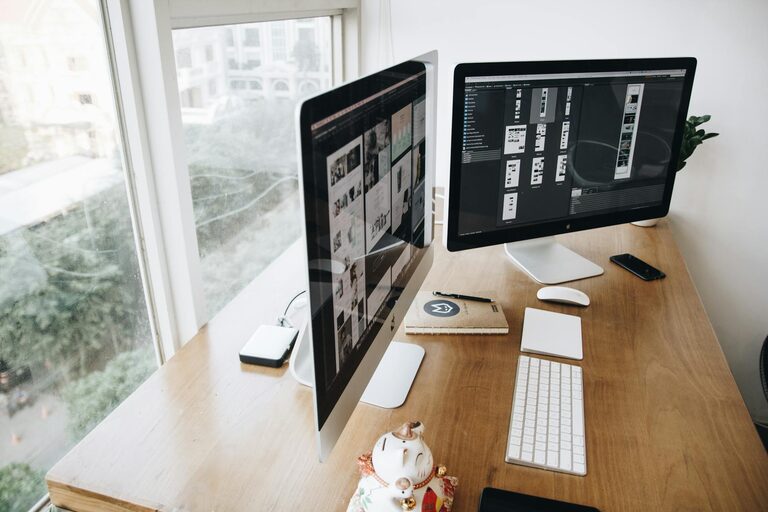
– Ergonomic Keyboard and Mouse: Reduce strain and increase comfort for long typing sessions.
– Monitor Placement: Position your monitor at eye level to avoid neck strain.
Regularly update software and keep devices charged to prevent interruptions.
Personalize Your Productivity Tools
Organizational tools can help you stay on track.
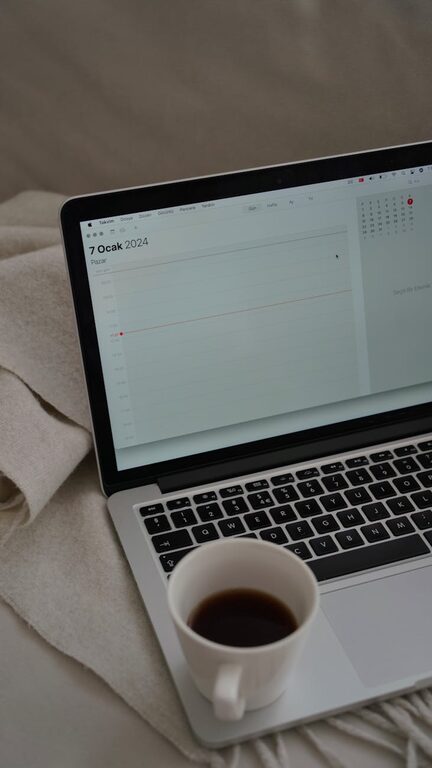
– Calendars and Planners: Use physical or digital planners to manage deadlines and appointments.
– Task Management Apps: Tools like Trello or Asana can help prioritize your work.
– Timers: The Pomodoro Technique and similar methods encourage focused work with scheduled breaks.
Choosing tools that fit your style makes productivity easier and less stressful.
—
Creating a cozy and productive home office space is about balance. You want a place that supports your work habits while feeling welcoming and comfortable. By selecting the right location, investing in quality furniture, organizing efficiently, and personalizing your environment, you can make your home office a space where you enjoy spending your workday.
With these tips in mind, you can design a workspace that boosts your productivity and well-being, turning your home into an ideal office.